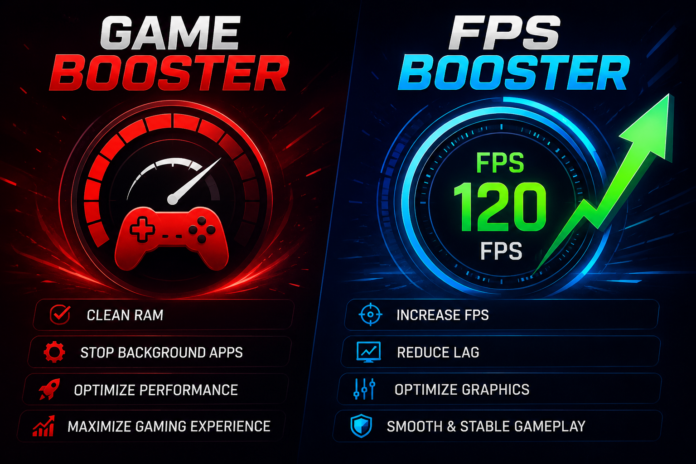

Every gamer wants smooth gameplay, responsive controls, and consistent performance. However, background applications, unnecessary system processes, and unoptimized settings can affect how well games run on a PC. Instead of upgrading hardware immediately, many players first look for software solutions that can improve system efficiency. This is where a Game Booster and an FPS Booster can be useful.
Although both tools are designed to enhance gaming performance, they focus on different aspects of optimization. Understanding how they work can help you make the most of your gaming setup.
What Is a Game Booster?
A Game Booster is a performance optimization tool that prepares your computer for gaming by reducing unnecessary system activity. It temporarily limits background applications and non-essential services so that more system resources can be dedicated to the game.
Rather than making permanent changes to your computer, a game booster adjusts performance settings while you play and restores them when the gaming session ends. This makes it a convenient option for users who want quick optimization without manually changing system configurations.
What Is an FPS Booster?
An FPS Booster is software or a feature designed to improve or stabilize frame rates during gameplay. FPS, or Frames Per Second, represents how smoothly a game is displayed on your screen. A higher and more consistent frame rate usually results in better visual fluidity and improved responsiveness.
An FPS booster helps optimize graphics settings and system performance so your hardware can deliver a smoother gaming experience.
How Game Boosters Improve Performance
A game booster works by managing the resources already available on your computer. It may temporarily stop unnecessary background tasks, reduce memory usage, and prioritize the game over less important applications.
This optimization can help reduce interruptions caused by software running in the background, allowing your system to focus more on gameplay.
How FPS Boosters Help Gamers
An FPS booster concentrates on maintaining stable frame rates rather than simply freeing system resources.
Depending on your system and the game being played, it may help by:
- Reducing frame drops.
- Improving gameplay smoothness.
- Optimizing graphics configurations.
- Managing system resources more efficiently.
- Providing a more consistent gaming experience.
Actual improvements vary based on your computer’s hardware and software configuration.
Benefits of Using Both Tools
Many gamers use both a Game Booster and an FPS Booster because they complement one another.
Some of the advantages include:
- Better system resource management.
- Smoother gameplay.
- Reduced background activity.
- More stable frame rates.
- Improved responsiveness.
- Easier system optimization.
- Better overall gaming experience.
Using both tools together can help maximize your PC’s existing performance without requiring immediate hardware upgrades.
Tips for Better Gaming Performance
Optimization software works best when combined with good system maintenance. Consider these recommendations:
- Keep graphics drivers updated.
- Install the latest game patches.
- Close unnecessary applications before gaming.
- Monitor CPU and GPU temperatures.
- Ensure enough free storage space.
- Adjust graphics settings according to your hardware.
- Restart your computer before long gaming sessions.
These habits help maintain reliable gaming performance over time.
Do You Need a Game Booster?
Whether you need a game booster depends on your computer and the games you play. Systems with limited resources or many background applications may benefit more from optimization software than newer, high-performance PCs.
Even on modern computers, reducing unnecessary background activity can contribute to a cleaner and more efficient gaming environment.
Choosing the Right FPS Booster
Not every FPS booster offers the same features. When comparing different options, consider factors such as ease of use, compatibility with your games, system stability, and regular software updates.
Choosing a trusted optimization tool can help you achieve more consistent performance while avoiding unnecessary system changes.
Conclusion
A better gaming experience isn’t always achieved through expensive hardware upgrades. Software optimization can also play an important role. A Game Booster helps prepare your system by minimizing unnecessary background activity, while an FPS Booster focuses on improving frame rate stability and smoother gameplay.
When combined with regular maintenance, updated drivers, and appropriate graphics settings, these tools can help you enjoy a more responsive and enjoyable gaming experience. Whether you’re exploring open-world adventures, competing in online multiplayer matches, or playing fast-paced action games, optimizing your PC can help you get the best possible performance from your existing hardware.