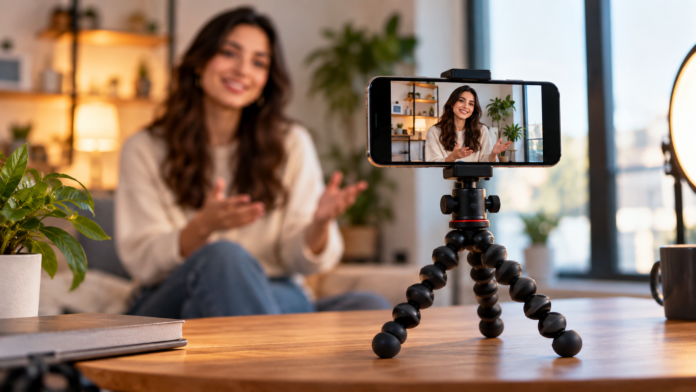

A few years ago, phone video meant shaky clips filmed at arm’s length. Today, some of the most-watched content online is shot entirely on phones, and much of it looks polished enough to pass for studio work. Better phone cameras are part of that story, but they are not the whole explanation. The bigger shift is in how creators support, position, and frame their phones.
Creators who post short-form videos, small business owners filming product demos, and remote professionals who stream or record tutorials have all discovered the same thing: a steady, well-placed phone makes content look intentional. Dedicated support designed for phones now handles vertical and horizontal framing, remote triggering, and extra accessories like lights and microphones. This article looks at why phone-first content raised expectations, what separates creator-focused support from a basic stand, how to build a compact kit, and the setup habits that make phone video look professional without adding complexity.
Phone-First Content Raised the Bar
Short-form platforms rewarded consistency. Creators who post several times a week need a setup they can reproduce quickly, with the same framing and lighting every time. Viewers noticed the difference between a phone leaned against a coffee mug and a phone locked at eye level with clean framing. Stability became a signal of quality, even when the content itself was casual.
That demand drove the growth of Mobile Creator Tripods, a category built around the way people actually film on phones today. Instead of adapting camera tripods with clumsy clamps, these designs assume the phone is the main camera. They grip phones securely, adjust quickly between orientations, and leave room to attach the small accessories that turn a phone into a compact production kit.
What Separates Creator Support From a Basic Phone Stand
A simple desk stand holds a phone. Creator-focused support helps you produce content. The difference shows up in a few specific features.
Fast Switching Between Vertical and Horizontal
Many creators film vertical clips for short-form platforms and horizontal footage for longer videos, sometimes in the same session. A phone clamp that rotates smoothly between orientations, without removing the phone, saves time and keeps your framing consistent. It also means you can repurpose a single setup for several platforms.
Remote Triggering
When you are the subject, walking back and forth to tap the record button wastes takes and shifts the phone slightly each time. A Bluetooth remote lets you start and stop recording from your position. It also steadies still photos, since touching the screen can introduce blur. Creators who film alone quickly find a remote becomes essential.
Room for Lights and Microphones
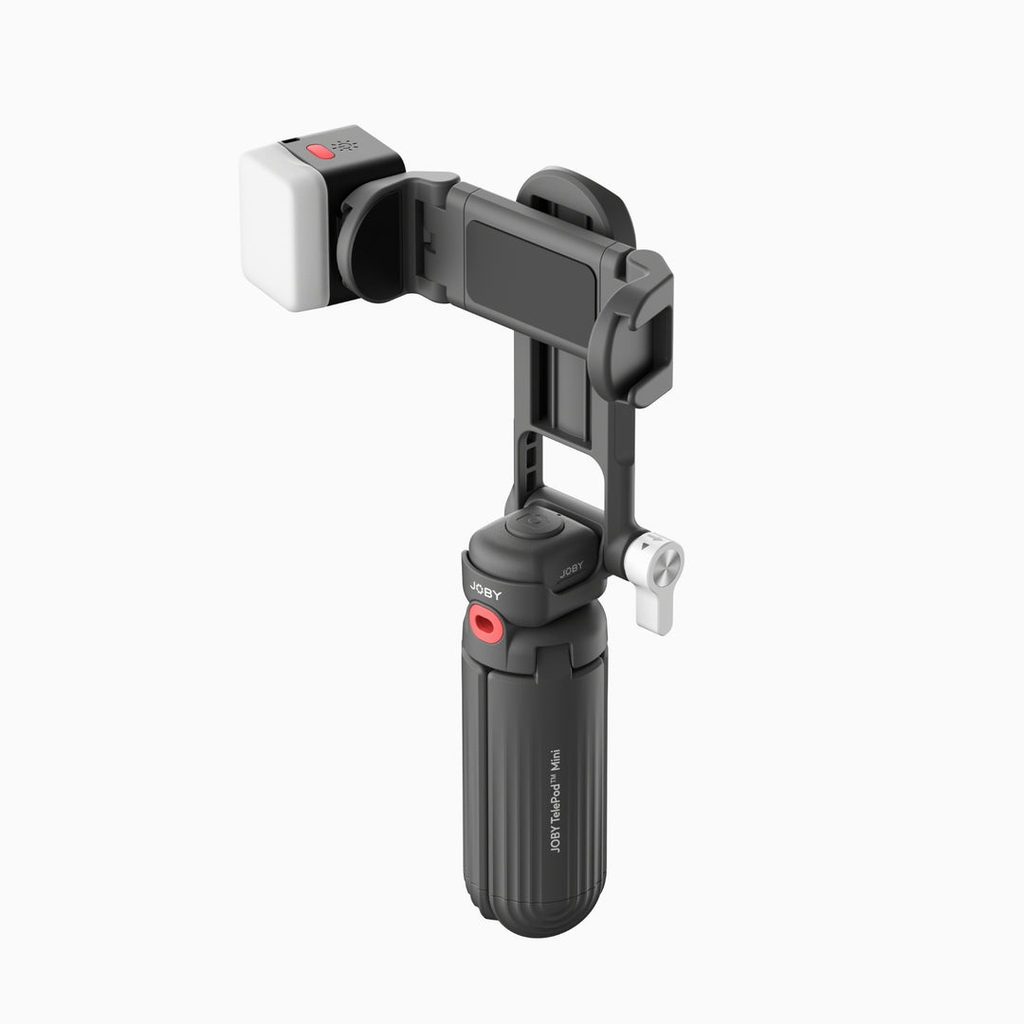
Audio and lighting often matter more than resolution. Support with accessory mounts, often called cold shoes, lets you attach a small LED light or compact microphone right next to the phone. This keeps your kit tidy and ensures the light and mic move with the camera whenever you adjust the angle.
Building a Compact Filming Kit Around Your Phone
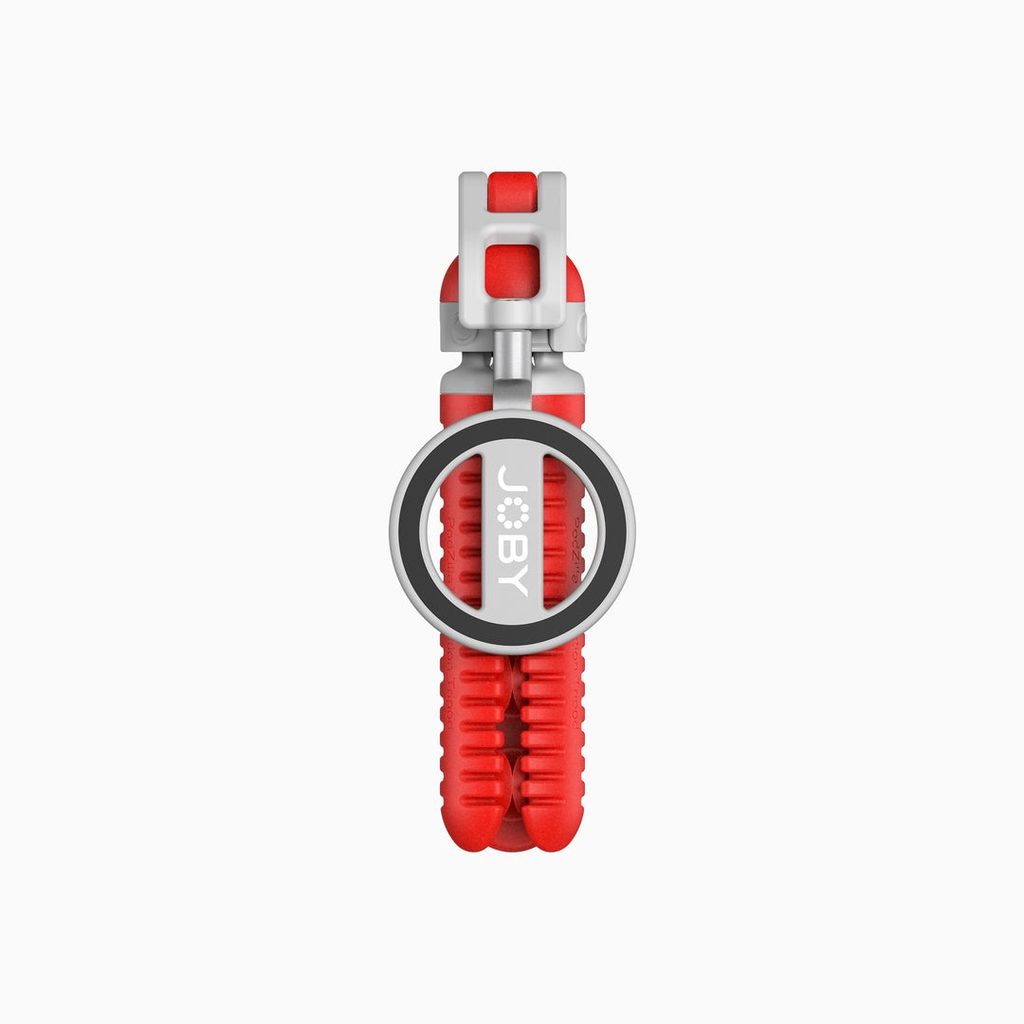
You do not need a large studio to produce clean phone content. A focused kit fits in a small bag and covers most needs. Start with stable support that can stand on a desk or floor and ideally grip irregular surfaces too. Flexible-leg designs, such as those JOBY has developed for phones, can wrap around shelves, railings, or chair backs, which opens up angles that rigid tripods cannot reach.
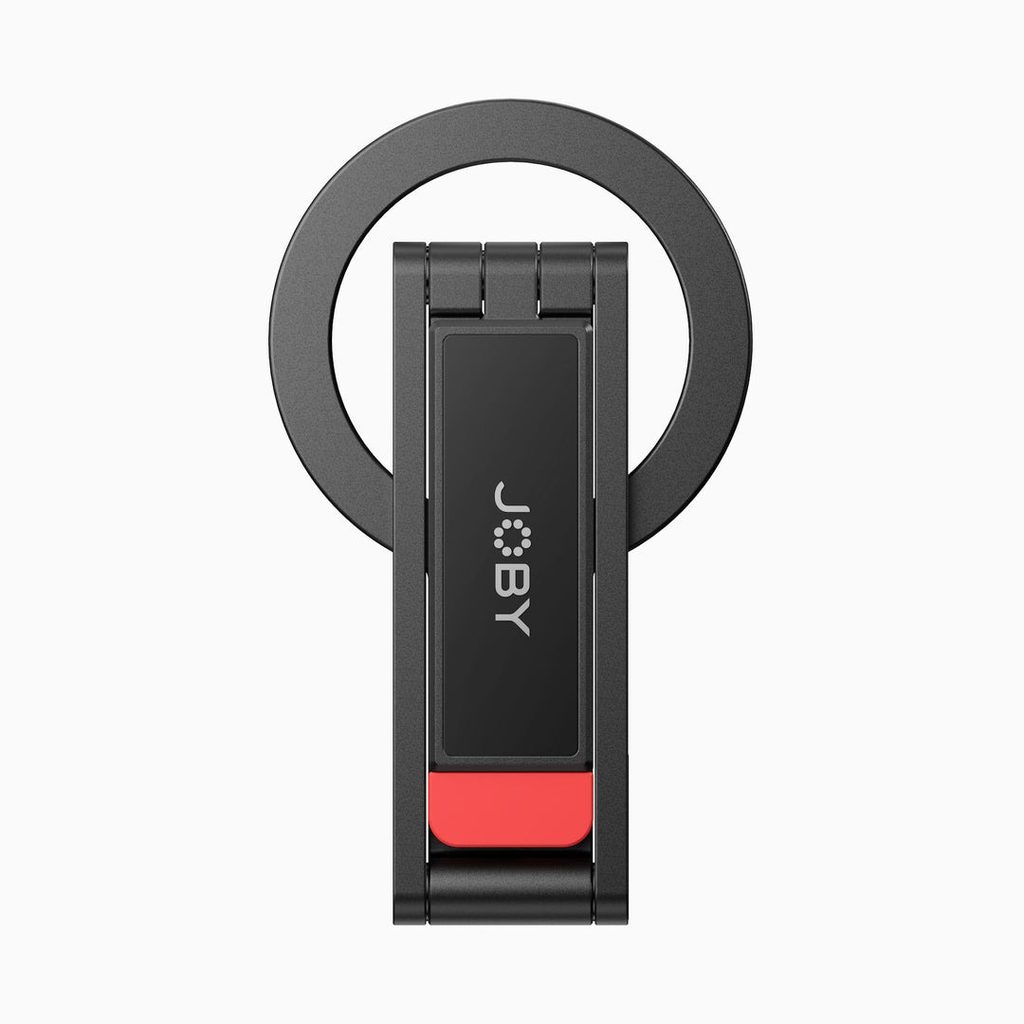
Next, add a phone clamp that holds your device securely, even with a case on. Then consider a small light to fill shadows on your face or product, and a compact microphone to capture clearer voice audio than the built-in mic. A Bluetooth remote rounds out the kit. The goal is not to buy everything at once. Add each piece when a specific problem, like dim footage or echoey sound, starts holding your content back.
Filming Workflows That Benefit the Most
Some types of content improve dramatically once the phone is properly supported. Talking-head videos, where you speak directly to the camera, look far more confident when the phone sits steady at eye level instead of wobbling in your hand. Consistent framing across episodes also helps your channel look cohesive.
Overhead shots are another big win. Cooking videos, unboxings, crafting tutorials, and product flat-lays all rely on a stable top-down angle. Flexible or extendable support lets you position the phone above a table without a dedicated overhead rig. Small businesses selling online find this especially useful for filming product details and packaging clips.
Walk-and-talk content and vlogs benefit from support that doubles as a grip. Folded legs give you a comfortable handle that steadies motion and adds a little distance between your face and the lens. And for livestreams, virtual meetings, and remote classes, a steady phone positioned at the right height creates a more natural, engaging view than a laptop camera angled up at your chin.
Taking Your Setup on the Road
Content does not always happen at a desk. Travel creators, event filmers, and small business owners at markets or pop-up shops often need a setup that packs down quickly and rebuilds in minutes. The most useful phone support for this kind of work folds small, sets up without tools, and extends when you need a little more height.
Extendable designs are especially helpful on location. A short base works on a table for product clips, while extending the column gives you a higher angle for filming a booth, a group, or yourself standing in front of a landmark. Some models also collapse into a handheld grip, which is useful when you want to move between locations without packing and unpacking.
Keep a small pouch for location essentials: your phone clamp, remote, a compact light, and a spare charging cable. When everything travels together, setup becomes a quick routine rather than a scramble. It also helps to scout your location for power outlets, reflective surfaces, and background noise before you begin recording. A few minutes of preparation usually saves you from reshooting later.
Setup Habits for Professional-Looking Phone Video
Good gear helps, but consistent habits are what make phone content look polished. Build these into your routine:
- Place the phone lens at or slightly above eye level for a natural, flattering angle.
- Face a window or light source instead of standing with it behind you.
- Wipe the phone lens before every session, since smudges soften footage.
- Lock exposure and focus on your face so the image does not shift mid-clip.
- Mark your standing spot and tripod position with tape to repeat framing across videos.
Background choice deserves attention too. A cluttered shelf or busy wall pulls attention away from you or your product. Move the tripod a few feet, adjust the angle slightly, or turn toward a plain wall to simplify the frame. If you want a more personal look, choose one or two meaningful objects to keep in view rather than a crowded scene. Distance also matters. Placing yourself a few steps away from the wall adds depth and keeps shadows from landing directly behind you.
Consistency builds recognition. Once you find a framing that works, note the tripod height, phone orientation, and position of your light. Recreating the same setup each time helps your audience recognize your content instantly while scrolling, and it saves you from rethinking the basics before every recording session.
It also helps to run a short test clip before recording a full take. Play it back to check audio levels, framing, and lighting. Catching a problem in a ten-second test saves you from redoing a full video later.
Giving Phone Content a Steadier Foundation
Phone video has moved from casual snapshots to a primary format for creators, businesses, and professionals. The phones themselves are capable, but stable support is what brings that capability to the screen. Creator-focused tripods make it easy to switch orientations, trigger recording remotely, and mount lights and mics, all while keeping your framing consistent from one video to the next.
Start with solid support and a secure phone clamp, then build your kit gradually as you discover what your content needs. Pair that gear with simple habits like eye-level framing, good light placement, and quick test clips. Together, they help your phone videos look deliberate and professional, giving viewers more reason to watch, follow, and come back for the next post.