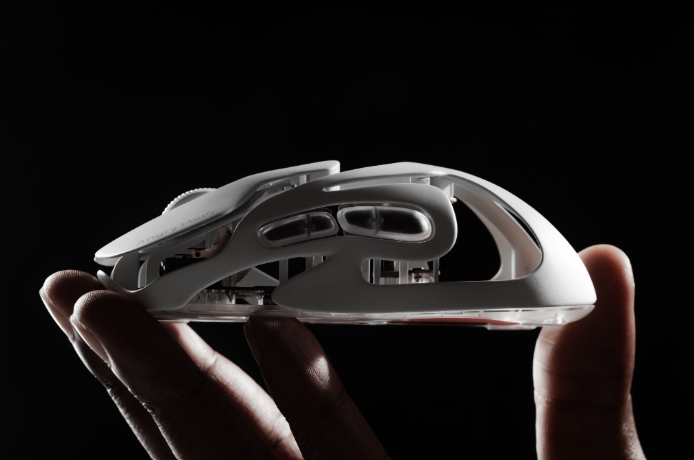

The best mouse size lets your hand stay relaxed while every main control remains easy to reach. Measure your hand length and width, identify your grip style, and then judge the fit by palm support, button reach, and how much tension you feel during movement. Hand size gives you a starting point, but shape and grip determine the final fit.
Why Does Mouse Size Matter?
A mouse that fits well should feel like an extension of your hand. You should be able to move it without squeezing the sides, stretching toward the buttons, or bending your wrist awkwardly. Fit matters more for a mouse than for most gaming gear because your hand stays in direct contact with the shell. A larger body can provide palm support and stability, while a smaller body gives the fingers more room for quick corrections. The best option supports your natural grip without restricting it.
How Do You Measure Your Hand for a Mouse?
Place your dominant hand flat on a table with the fingers together and relaxed. Use a flexible measuring tape or ruler.
Hand Length
Measure from the tip of your middle finger to the first crease at the base of your palm. Keep the tape straight. This measurement helps estimate whether you need a compact, medium, or larger shell.
Hand Width
Measure across the widest part of your palm, excluding the thumb. Two people with the same hand length may need different widths. A narrow mouse can force a wide hand to squeeze; a wide mouse can make side buttons difficult to reach.
Compare both measurements with the product’s dimensions. Brands do not use one universal sizing system, so length, width, and height are more useful than a “small” or “large” label. Use these measurements to compare a new shell with a mouse you already know.
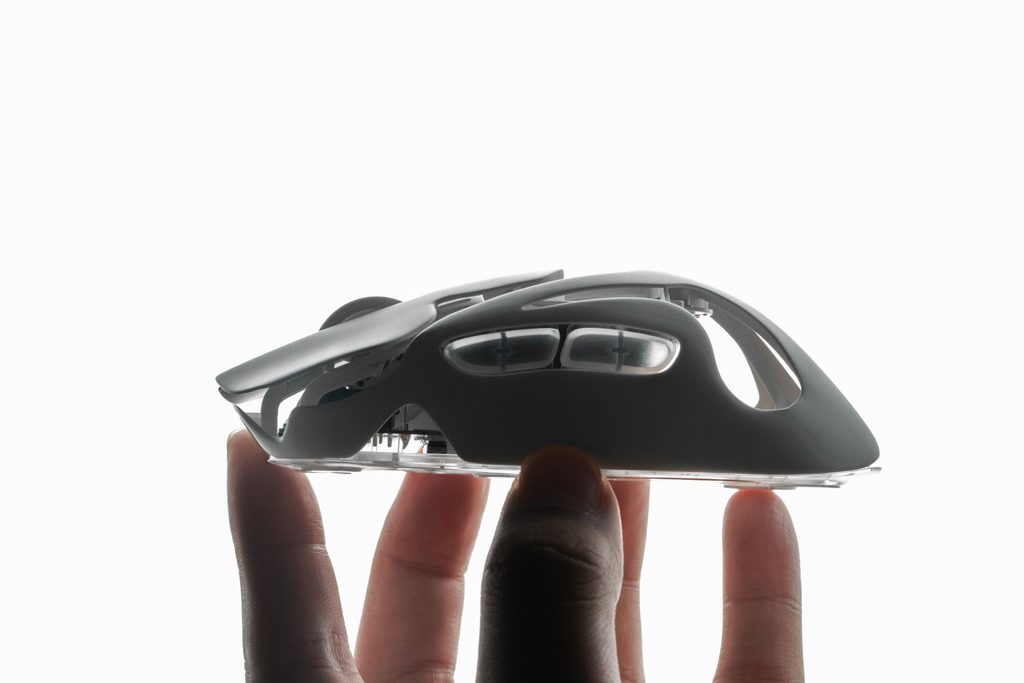
How Does Grip Style Change the Ideal Mouse Size?
Hand measurements narrow the options, but grip style shows how much of the shell your hand uses. Hold your current mouse naturally and note which parts of your palm and fingers touch it.
Palm Grip
With a palm grip, most of the palm rests on the mouse and the fingers lie relatively flat. A longer, fuller body can support the center and rear of the palm, but the main and side buttons must remain easy to reach.
Claw Grip
With a claw grip, the rear palm touches the mouse while the fingers arch over the buttons. A medium or slightly shorter body with a supportive rear hump often balances stability and quick movement.
The broader gaming mouse vs regular mouse distinction matters here because gaming shapes are more likely to prioritize grip control, low weight, and fast repositioning, while a general office mouse may prioritize relaxed palm support.
Fingertip Grip
With a fingertip grip, only the fingertips control the mouse and the palm stays mostly off the shell. A shorter, lower-profile, lighter mouse usually allows easier lifting and finger-driven adjustments. If the rear shell hits your palm during downward movement, consider a shorter model.
How Do You Match Hand Measurements to Mouse Size?
Use hand length as an initial filter, then adjust for hand width and grip. These ranges are practical starting points rather than universal rules:
| Hand length | General hand size | Useful starting point |
| Under 17 cm / 6.7 in | Small | Compact or short mouse; low profile for fingertip grip |
| 17–19.5 cm / 6.7–7.7 in | Medium | Medium shell; adjust height and rear hump for grip |
| Over 19.5 cm / 7.7 in | Large | Longer or fuller shell for palm support; compact options can still suit fingertip grip |
Treat the table as a filter, not a rule. A large hand using fingertip grip may prefer the same compact model as a medium hand using claw grip. A medium-hand palm user may need more height and rear support.
When comparing a gaming mouse, check the listed shell dimensions along with the weight. Low weight can make movement easier, but it cannot fix a body that is too wide, too long, or shaped incorrectly for your grip.
Should Gaming and Office Use Change Your Choice?
Yes. Movement patterns, session length, and required controls change by task.
Gaming Use
For fast FPS play, claw and fingertip users often benefit from a shorter, lighter mouse that is easy to stop and reposition. Palm users may prefer more support for long tracking movements. Side buttons should be accessible without loosening the grip.
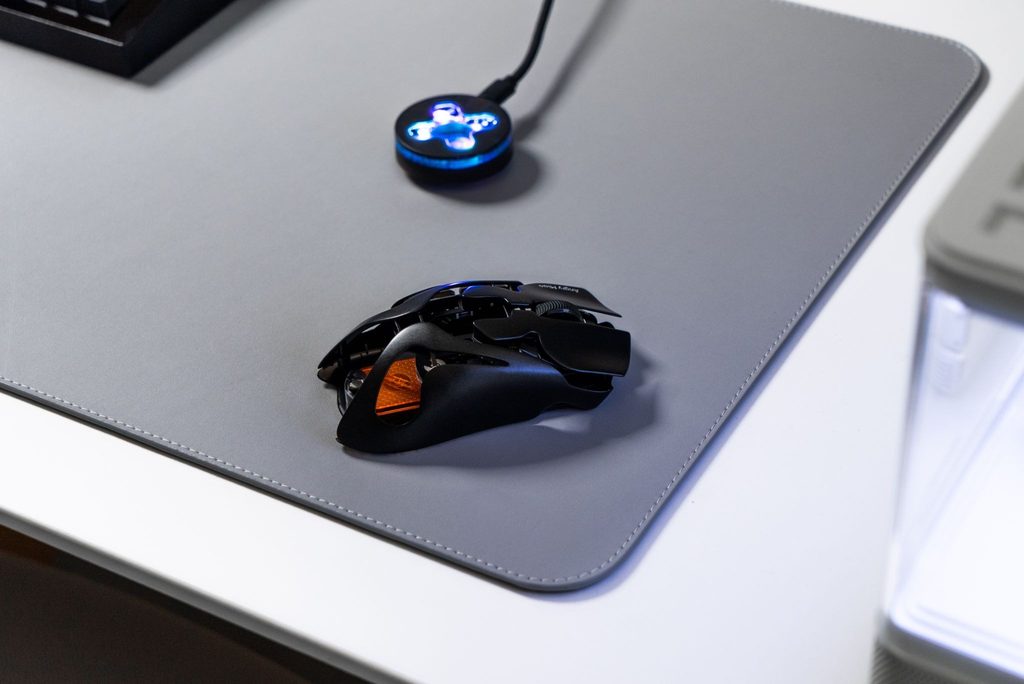
For smaller hands or claw and fingertip players, the AM INFINITY MOUSE .97 is a compact example. It measures 123.2 mm long with the optional Hatchback cover or 115 mm without it, 62 mm wide, and 38.6 mm high, leaving room for finger-led micro-adjustments.
Office and Creative Work
For documents, spreadsheets, browsing, and design, long-session comfort may matter more than rapid repositioning. A fuller shell can support a palm grip, but it should not make precise selections or repeated side-button presses feel like a stretch.
How Can You Tell If a Mouse Fits Poorly?
A mouse is probably too large when you must move your hand forward to click, stretch for side buttons, or squeeze firmly to lift it. The rear shell may also block downward micro-adjustments. If width is the problem, a shorter mouse alone will not help; compare side curvature and width separately.
A mouse may be too small when the hand feels cramped, the fingers curl more than intended, or the palm and pinky drag heavily on the desk. Constantly pinching the sides suggests the body is too narrow, while fingertips extending beyond the front may indicate insufficient length.
Use these fit checks:
- Fingers land naturally on the main buttons.
- The thumb reaches side controls without sliding forward.
- The mouse lifts without a tighter grip.
- The shell supports, but does not force, your preferred grip.
- Slow tracking and small corrections feel unrestricted.
A compact mouse can still suit a large hand with fingertip grip. Relaxation and control matter more than the size label.
What Should You Test Before Buying a Mouse?
Specifications help you shortlist a mouse, but real use should decide. Test it for at least 20 to 30 minutes in your normal tasks, then try a longer session if the return period allows.
Check whether you can:
- Reach every button without changing your grip.
- Move in every direction without the rear shell blocking your palm.
- Lift and reset without squeezing harder.
- Keep your wrist relatively straight and shoulders relaxed.
- Perform tracking, flicks, scrolling, and precise selections comfortably.
Do not judge fit in the first minute. A sculpted shape can feel impressive but create pressure later. Growing tension, numbness, or pain is a reason to stop; discuss persistent discomfort with a qualified health or ergonomics professional.
Conclusion
To find the best mouse size for your hand, measure hand length and width, identify whether you use palm, claw, or fingertip grip, and compare those needs with the mouse’s actual dimensions. Then test button reach, palm support, lift control, and freedom of movement.
Hand-size categories are only a starting point. A good fit is the mouse that supports your preferred grip while keeping your hand relaxed through the movements you perform most often.
FAQ
What Mouse Size Is Best for a 17 cm Hand?
A 17 cm hand sits near the small-to-medium boundary. Claw and fingertip users may prefer a compact body, while palm users should seek enough height and rear support.
What Mouse Size Is Best for a 19 cm Hand?
A 19 cm hand usually fits medium mice. Choose more volume for palm grip, a supportive rear hump for claw grip, or a shorter shape for fingertip grip.
Is a Smaller Mouse Better for Gaming?
A smaller mouse can suit fingertip or claw grip because it allows finger adjustments and easy repositioning. Insufficient support can still create tension for palm users.
Should a Mouse Fill Your Whole Palm?
Only if that matches your natural grip. Palm-grip users usually benefit from broad contact and support. Claw users need contact mainly at the rear palm, while fingertip users generally want little or no palm contact.
How Much Space Should Be Between Your Palm and Mouse?
There is no required gap. Palm grip may leave almost no gap, claw grip leaves space under the center of the palm, and fingertip grip leaves most of the palm clear. Comfort, control, and easy button reach matter more than a fixed distance.