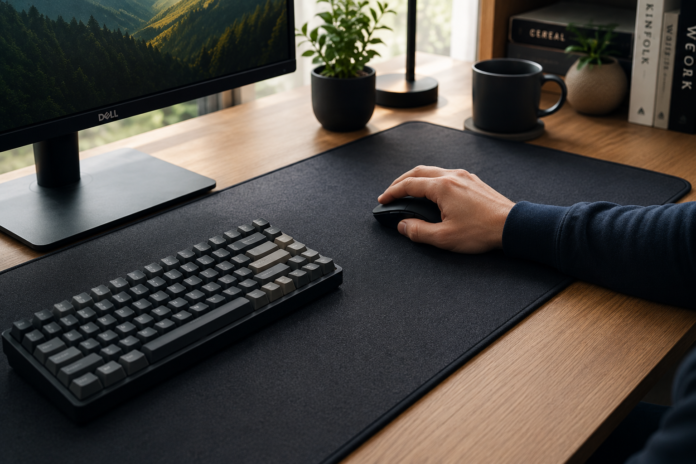

Transitioning to a high-quality surface transforms how a workspace feels during long hours at a desk. These accessories do more than just hold a mouse; they provide purposeful support that keeps hands and arms comfortable throughout the day. By choosing the right foundation for your peripherals, you directly address the physical demands of high-intensity tasks.
Reduced wrist strain through specialized cushioning
Many standard desk arrangements force wrists to rest at unnatural angles, which eventually triggers discomfort. Specialized cushioning provides a softer touchpoint that distributes pressure away from sensitive nerves. This simple adjustment keeps the wrist in a more neutral position, making hours of clicking feel less taxing on the joints.
Supporting natural forearm and hand alignment
Effective mouse use relies on proper arm support that extends across the desk. A consistent, level area allows the forearm to rest naturally, preventing the strain that occurs when a mouse is held slightly elevated or at an awkward angle. When the forearm is supported, the entire hand remains more relaxed.
Mitigation of repetitive strain injuries
Continuous, small movements during a standard workday can pile up quickly. By limiting the friction and resistance encountered while operating your device, you reduce the physical effort needed for every task. Using consistent, low-friction equipment helps in preventing the long-term friction damage often associated with daily office labor.
Enhancing peripheral circulation during extended tasks
Keeping blood moving comfortably is key when you spend most of your time at a workstation. Soft, supportive surfaces minimize the digging sensation caused by firm desk edges, which can otherwise constrict circulation in the lower arm. A well-designed pad maintains steady flow, helping you stay comfortable during long-duration projects.
Material science and surface texture
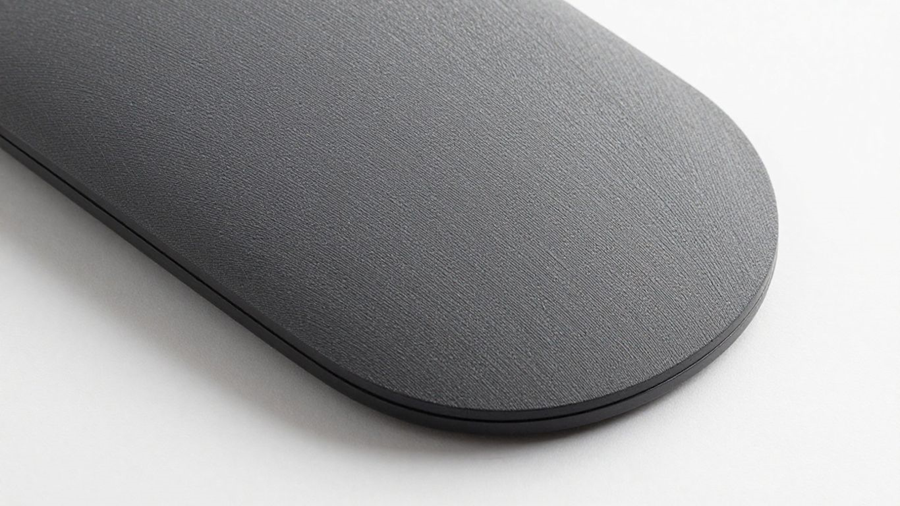
The underlying engineering of any effective work surface centers on how it interacts with optical sensors and physical touch. Choosing the right material ensures that mouse tracking stays accurate while providing a consistent feel. Precision in these small details prevents the frustration of uneven movement that occurs with cheaper, inconsistent alternatives.
Advantages of high-density fabric for tracking precision
High-density fabric surfaces, like the multi-spandex cloth used by Mousepad Warehouse, allow optical sensors to detect even the slightest movements with total clarity. This consistency is essential, as the material remains smooth and resistant to fraying over time. Reliable tracking means the cursor moves exactly as you intend, without skipping or dragging.
The role of surface resistance in mouse control
Surface resistance describes the balance between glide and stopping power. If a surface is too smooth, control is lost; if too rough, movement feels sluggish. A balanced surface texture acts as a reliable work companion for professionals navigating various applications throughout their daily routine.
Impact of base thickness on vibration dampening
Base thickness significantly influences the tactile feel of your mouse movements. Thicker bases absorb vibrations transferred through the desk, ensuring each click or swipe remains steady. We can evaluate how different thicknesses perform in the following table format:
| Thickness (mm) | Support Type | Best Use Case | |
| 2mm | Compact profile | Travel or office | |
| 3mm | Balanced feel | Daily workstation | |
| 4mm | Maximum cushion | Long-term comfort |
The thicker the base, the more impact it absorbs, shielding your hands from hard desk surfaces.
Why premium base materials ensure stability
Stability is non-negotiable for desk equipment that stays in place under pressure. High-quality base materials cling to surfaces, preventing the mat from sliding during active use. This solid foundation is critical when focusing on detailed tasks that require steady, focused inputs for extended periods.
Desk setup optimization for long-term health
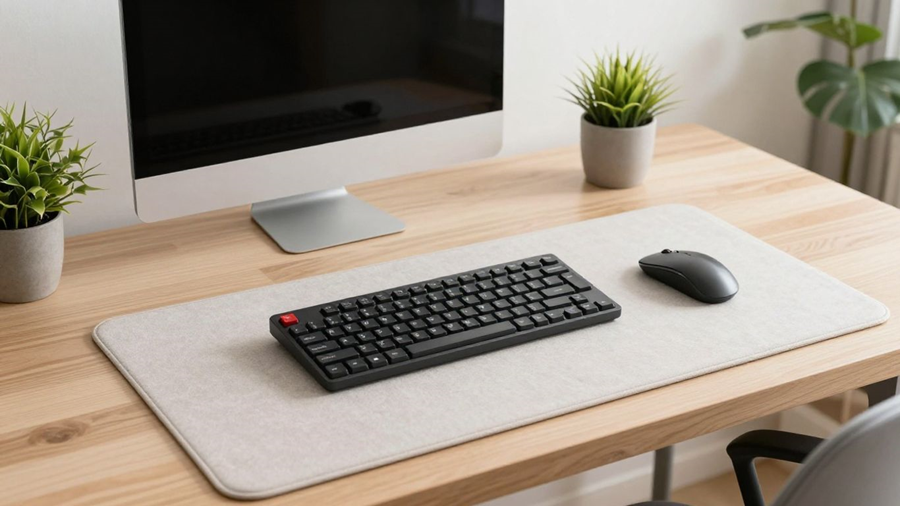
Creating a healthy desk environment requires looking at your workspace as one connected system rather than individual parts. When your keyboard, mouse, and pad work together, you significantly reduce the risk of unnecessary physical strain. A well-organized, cohesive layout turns stressful afternoons into more manageable, productive intervals.
Aligning mousepad elevation with the keyboard
Keeping your mousepad adjacent to your keyboard prevents elevation differences that cause wrist tension. If your mouse is significantly higher or lower than your keyboard support, your wrist will naturally flex to compensate for the gap. Achieving a seamless, level surface helps keep your posture naturally aligned from the left side of your desk to the right.
Promoting a neutral posture across the entire desk surface
Having a wide surface allows for a more comprehensive range of motion. Instead of pivoting strictly from the wrist, you can utilize your entire forearm, which distributes the load more effectively. This technique is easier when your mousepad spans a large enough area to accommodate various arm positions throughout the day.
Why large desk mats prevent edge irritation
Extended desk mats solve the problem of hard, sharp edges pressing into your arms or wrists while you type. These mats serve several key health-conscious purposes in your daily office layout:
- They provide a cushioned buffer zone for your forearms
- They create a uniform surface that maintains mouse control
- They reduce pressure points from harsh desk materials
- They keep all your main inputs visually and physically connected
By covering the edge of the desk, these mats act as a protective barrier between your skin and the cold, hard surface beneath.
Integration with Mousepad Warehouse ergonomic product lines
Using specialized equipment like those offered by Mousepad Warehouse allows for professional-grade desk integration. These products are developed for users who want to maintain an ergonomic setup without sacrificing personal style. Bringing these elements together ensures your space is built for both performance and lasting physical well-being.
Choosing the right size for your workflow
Every professional has a different spatial requirement based on their specific tasks. If you work in graphic design, you likely need a different surface area than someone who only uses their computer for basic typing. Identifying your personal needs helps you select the right dimensions effectively.
Standard versus extended desk pad dimensions
Standard pads serve basic office needs, offering just enough room for typical navigation. Extended pads, however, offer full-desk coverage, which eliminates the borders between your mouse area and keyboard zone. Choosing between these sizes depends on how much freedom you want for your mouse movements during your busiest hours.
Maximizing space for wide-sweeping movements
Wide-sweeping movements require a clean, open surface area that does not end abruptly. When your work involves large-format displays or complex project layouts, a larger surface provides the necessary room to move without running off the edge of the pad. Roomy spaces keep your workflow fluid.
Portability considerations for hybrid office setups
Hybrid work means your equipment often travels between home and an office. Compact options are essential for this flexibility, providing necessary comfort without adding excessive bulk to your bag. A durable, thin mat that rolls easily is perfect for users who value portability but refuse to sacrifice quality while working remotely.
Customization options for non-standard desk spaces
Small or uniquely shaped desks sometimes require custom dimensions to fit just right. Customizing your desk footprint ensures that you maximize whatever area is available without having a pad that hangs over the edge or feels cramped. Tailored dimensions ensure the most efficient use of your personal command center.
Maintenance and durability of quality surfaces
Keeping your equipment in good shape is part of the investment in your daily comfort. Over months of use, even the best surfaces accumulate dust and surface contaminants that affect tracking. Regular care ensures your surface remains as smooth and precise as the day you first installed it.
Cleaning techniques to preserve surface texture
Most high-quality fabric surfaces benefit from gentle, water-based cleaning. Since Mousepad Warehouse offers machine-washable options, maintenance is straightforward, allowing you to restore the natural slickness of the material quickly. Keeping a surface clean helps maintain its original glide characteristics so you can work effectively.
Assessing surface wear over extended daily use
Tracking the condition of your surface over time reveals when it might need a deep clean or replacement. Signs of wear often appear as patches where the cloth has become matted or the base has lost its original grip. Assessing this regularly ensures your setup remains consistent and comfortable.
Why investment in durability reduces long-term replacement
Lower-quality materials often fray at the edges or lose their structural integrity after only a few weeks. Investing in a durable surface means you avoid the recurring cost and hassle of constant replacements. High-performance items stay reliable, saving you both time and trouble in the long run.
Comparing spill-resistant coatings for office protection
Accidental spills are a common threat to desk equipment. Spill-resistant coatings provide a layer of safety, allowing you enough time to wipe away liquids before they soak into the material. This added protection is highly valuable for those who keep coffee or water nearby while focusing on their work.
Conclusion
Prioritizing comfort through your desk setup is a simple but powerful way to reduce daily physical stress. By choosing the right materials, sizes, and support structures, you significantly improve how your body feels after a long day. Whether you settle on a standard mat or a full desk solution, focus on selecting a durable, high-quality product from Mousepad Warehouse that encourages natural alignment and helps you stay both productive and relaxed.