
Forgetting your own mobile number is more common than most people think, especially when you are using a new SIM or managing multiple connections at the same time. In such situations, having a quick and reliable way to retrieve your number becomes very important. Telenor makes this process simple by offering different methods such as dial codes, SMS options, and built-in SIM tools that work within seconds.
In this guest post, we will explore all the easy and practical ways to perform a Telenor number check without any confusion or technical difficulty.
Why It’s Important to Know Your Mobile Number
Your mobile number is essential for almost every digital and communication activity, including banking, social media verification, and mobile wallet services. Many users face situations where they cannot recall their number due to:
- Using multiple SIM cards
- Recent SIM purchase
- Phone reset or device change
- Not saving the number in contacts
In all these cases, knowing how to quickly retrieve your number can save time and avoid unnecessary frustration.
Fastest Method: Telenor Dial Code
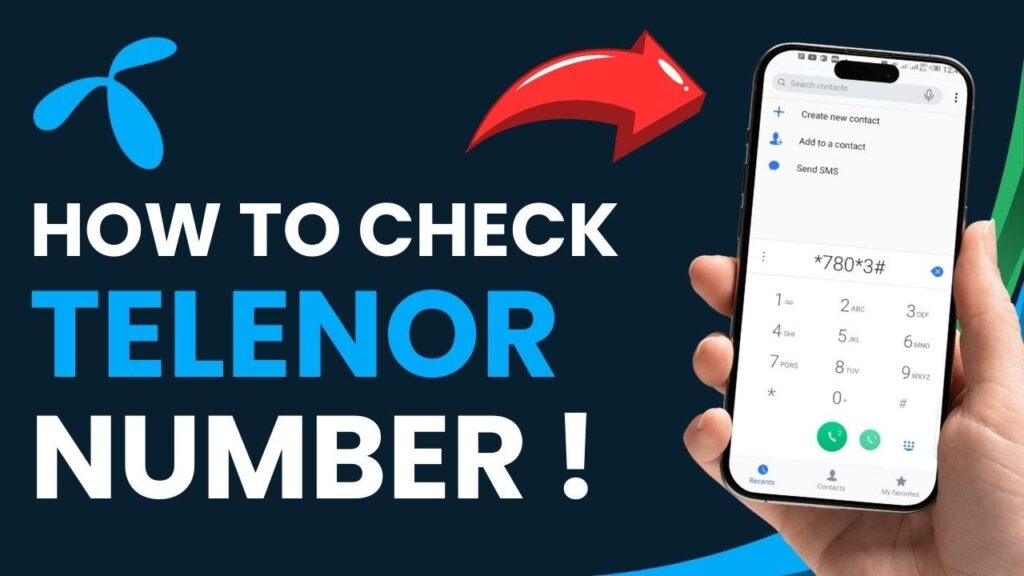
The most widely used and quickest method is the USSD dial code provided by Telenor.
Steps:
- Open your phone dial pad
- Dial 8888#
- Press the call button
- Your Telenor number will appear instantly on the screen
This method is simple, fast, and does not require internet access. It is the first option most users try when they need immediate information.
Alternative Method: Missed Call or Call Trick
If the dial code does not work due to network issues, another easy option is using a call method.
How it works:
- Call a friend or family member
- Ask them to tell you the number displayed on their screen
- Or give a missed call and check the caller ID from another phone
This method is especially useful when USSD services are temporarily unavailable.
SMS-Based Method (If Available)
In some regions, Telenor also provides SMS-based services for number retrieval.
Steps:
- Open your messaging app
- Send a message such as “MYNO” or a blank SMS to the official service code (varies by region)
- You will receive a reply containing your SIM number
Although not always active in every area, this option can still be helpful depending on your location.
SIM Toolkit Option
Most Telenor SIMs come with a built-in SIM Toolkit application that allows users to access account information easily.
Steps:
- Open SIM Toolkit from your phone menu
- Select “My Account” or “Number Information”
- Your mobile number will be displayed on the screen
This method is convenient for users who prefer menu-based navigation instead of dial codes.
Customer Support Assistance
If none of the above methods work, Telenor customer support is always available.
Steps:
- Dial 345 from your Telenor SIM
- Follow the automated instructions
- Speak with a customer service representative if needed
After verification, they can help you retrieve your number quickly and securely.
Mobile Settings Method (Device Dependent)
Some smartphones also display SIM details directly in settings.
For Android:
- Go to Settings
- Tap “About Phone”
- Open “SIM Status”
For iPhone:
- Go to Settings
- Tap “Phone”
- Check “My Number”
This method depends on whether your number is stored in the device system.
Common Problems Users Face
While checking their number, users may sometimes face minor issues such as:
- USSD code not responding due to network error
- Weak signal strength
- Inactive or unregistered SIM
- Temporary service interruption
Most of these problems resolve automatically after retrying or restarting the device.
Helpful Tips to Avoid Forgetting Your Number
To prevent future inconvenience, consider these simple practices:
- Save your number in your contacts list
- Write it down in a secure place
- Use WhatsApp profile details for reference
- Link your number with important online accounts
These small habits can make your digital life much easier.
Conclusion
Performing a Telenor number check is quick and hassle-free when you know the right methods. Whether you use the USSD code 8888#, SMS service, SIM toolkit, or customer support, Telenor ensures that users can access their number within seconds.
For most users, the dial code remains the fastest and most reliable solution. By following the methods explained in this guide, you will never be stuck trying to remember your own number again.